
TradingView Bar Replay: How Far Back You Can Actually Go
TradingView's own docs set the real Bar Replay data window by plan, and continuous futures don't get the unlimited version even on Ultimate.
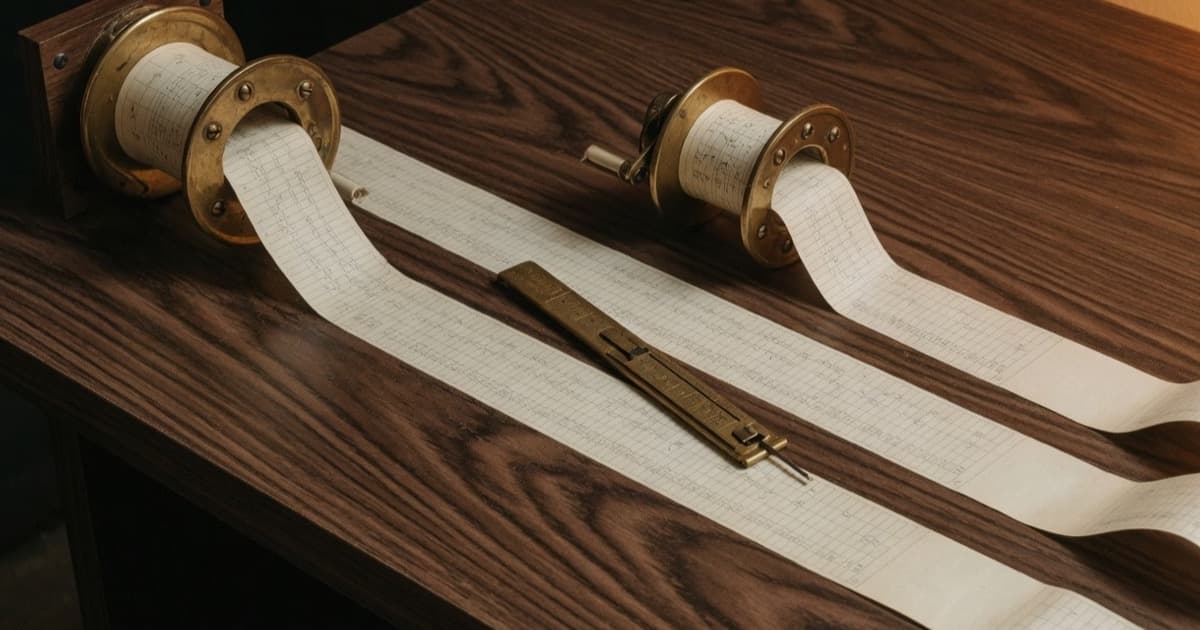
You drag the Bar Replay slider back six months on a 1-minute chart to practice reading a setup you keep missing live, and the chart just stops. No error. No spinner. It grays out like the market never happened before that point. That's not
You drag the Bar Replay slider back six months on a 1-minute chart to practice reading a setup you keep missing live, and the chart just stops. No error. No spinner. It grays out like the market never happened before that point. That's not a bug and it's not your internet: TradingView's own support documentation draws that exact line by subscription plan, and it draws a second, weirder line around futures contracts that catches people even on the top plan.
Essential and Plus buy you a formula, not a fixed date
Here's the part almost nobody reads before they hit the wall. TradingView's own support article on Bar Replay data availability states the Essential plan's intraday limit as a formula: 6 months back on a 1-minute chart, and that window multiplies by the interval you pick. Switch to a 2-minute chart and you get 12 months. A 3-minute chart gets 18 months. By the time you're on a 15-minute chart, the same 6-month base has stretched to 90 months, which is seven and a half years.
Plus runs the identical formula on a bigger base: 1 year on the 1-minute chart instead of 6 months, so 2 years at 2-minute, 3 years at 3-minute, 5 years at 5-minute, and 15 years at 15-minute. Neither plan is arbitrarily strict. They're both running the same math against a different starting number, and the higher timeframe you replay on, the more forgiving that math becomes.
Daily and weekly charts don't play by this rule at all. TradingView keeps the full history it has for the symbol on daily-and-above intervals, and Bar Replay draws from that same pool, which is why a strategy that looks fine going back a decade on the daily chart can hit a wall the moment you drop to 1-minute to check the actual entry candle.
Premium and Ultimate open the archive, with one exception nobody expects
Pay for one of the two top-tier plans and the formula disappears. TradingView's own documentation says plainly that Premium and Ultimate "play absolutely all time-based data available in TradingView's data storage," no extra limitations, on any interval down to one second. The examples in TradingView's own table make the range concrete: 1-minute AAPL data starts January 3, 2000, and the SP:SPX daily record runs back to January 1, 1871. That's not a marketing number. It's just how far back the exchange data actually goes.
Then there's the exception. Continuous futures contracts, the 1! and 2! symbols like ES1! or BANKNIFTY1!, along with any futures contract running the "Use settlement as close on daily interval" setting, don't get the unlimited treatment even on Ultimate. TradingView's own docs explain why: these are synthetic symbols, stitched together from multiple expiring contracts, and they carry their own separate caps instead. On Premium, Expert, and Ultimate alike, a continuous futures chart gets 1 year of 1-minute data, scaling the same way the Plus plan scales everywhere else. A trader who upgraded specifically to backtest a futures strategy on Bar Replay can still hit a wall they were told didn't exist for their plan.
Seconds and ticks live on a much shorter clock than everything else
Even on Premium and Ultimate, seconds-based charts don't reach back as far as minute charts do, and the reason has nothing to do with your plan. TradingView's own support page states that seconds-based data is stored platform-wide starting from August 2022, and the earliest second-based bar available in Replay, for every symbol, is August 17, 2022. There's no older seconds data to unlock at any price, because TradingView never stored it.
Tick Replay is a different feature entirely, and it's the one exclusive to Ultimate. Instead of showing you an aggregated candle (a bar built by compressing many trades into one open, high, low, and close), Tick Replay plays back every individual trade exactly as it printed. That precision comes at a cost: per TradingView's own documentation, Tick Replay only reaches 7 days back from right now. It's built for rehearsing execution mechanics on this week's price action, not for revisiting a setup from three months ago tick by tick.
— The Tradoki desk noteEvery trader who thinks Bar Replay is broken has actually just found the exact edge of their plan. TradingView published the edge. Almost nobody reads the support article before they hit it.
The switch-timeframe trick reaches data your plan won't show directly
TradingView's own docs describe a workaround worth knowing before you assume a date is simply gone. Start Bar Replay on a higher interval where your plan's limit doesn't bite, daily works for almost anyone, select your starting bar or date there, and then switch the replay interval down to 1-minute. The starting point you picked carries over, even though pulling up a fresh 1-minute chart at that same date would refuse to load.
There's a boundary to this trick, and TradingView's own documentation names it directly: if the interval you land on has no data that far back at all, whether because your plan's limit is shorter than the gap or because TradingView's own storage doesn't go that deep for that symbol, the chart shows "Data point unavailable" in the corner and holds its ground on the interval you were already on. That message is the platform telling you the data genuinely isn't there for you to see, not a bug to work around.
Bar Replay teaches reps, not edge
None of this makes Bar Replay less useful. It makes it a different tool than people treat it as. Bar Replay hides future candles and lets you make a call without hindsight ruining the exercise, which is exactly the kind of rep that builds pattern recognition without risking a dollar. That's also exactly why it's not a substitute for an actual backtest with enough trades to mean anything: scrolling through fifty replayed setups by hand and feeling good about your read rate isn't a sample size, it's practice.
It's a similarly different animal from the TradingView strategy tester and its own documented assumptions about fills and repainting. The strategy tester runs your exact rules against every historical bar automatically. Bar Replay runs you against the chart, one discretionary decision at a time, which is the whole point if what you're training is judgment rather than a coded rule. Paper trading isn't optional for a reason: the traders who treat the first 30 days on a demo account as real practice, using tools like Bar Replay alongside live demo fills rather than instead of them, are the ones building a track record instead of a highlight reel.
Fold it into something structured, like the checkpoints in a deliberate 90-day practice plan, and Bar Replay stops being a toy you poke at when the market's closed. It becomes the rehearsal room. Just don't confuse rehearsing the scene with proving the script works.
● FAQ
- Why does TradingView's Bar Replay refuse to go back further on some charts?
- Because intraday data in Bar Replay is capped by subscription plan, per TradingView's own support documentation. Essential gives you 6 months of 1-minute data, Plus gives you 1 year, and both limits scale up the higher interval you pick. Daily and higher charts aren't capped this way; the wall only shows up on intraday intervals.
- How much 1-minute data does TradingView's Plus plan give you in Bar Replay?
- One year back from now, per TradingView's own documentation, and that number scales with the interval: 2 years on a 2-minute chart, 3 years on a 3-minute chart, 5 years on a 5-minute chart, and 15 years on a 15-minute chart. Essential runs the same formula at a quarter of the length.
- Does the Ultimate plan unlock unlimited Bar Replay on everything?
- Not on continuous futures contracts. TradingView's own documentation states that 1! and 2! symbols, along with futures using the 'settlement as close' setting, carry their own separate limits because of their synthetic nature: 1 year of 1-minute data even on Premium and Ultimate, the same scaling formula Plus users get everywhere else.
- What's the difference between seconds-based Bar Replay data and Tick Replay?
- Seconds-based bars are aggregated candles, and TradingView's own docs confirm the earliest one in Replay dates from August 17, 2022, on every symbol, regardless of plan. Tick Replay, which is Ultimate-only, replays each individual trade instead of a bar, but only reaches 7 days back from the current time.
- Can you Bar Replay 1-minute data further back than your plan officially allows?
- Not directly, but TradingView's own support documentation describes a workaround: start Replay on a higher interval like daily, set your starting bar there, then switch the chart down to 1-minute. The starting point carries over even though opening a fresh 1-minute chart at that same date would hit 'Data point unavailable.'
Three more from the log.

Bollinger Bands Settings: Is 20, 2 Right for 5-Min Charts?
Everyone runs Bollinger Bands at 20 and 2. Its inventor calls them defaults, and a simulation shows what 10 and 1.5 does to how often price pokes out.
Oct 27, 2026 · 7 min
Why Your RSI Doesn't Match TradingView (Wilder Smoothing)
Same pair, same timeframe, two different RSI readings. Smoothing method and warm-up history explain it, and the gap can be several points.
Oct 18, 2026 · 7 min
Pine Script V6 Breaking Changes That Don't Show as Errors
TradingView's own migration guide confirms it: integer division and a flipped margin default change a script's numbers with zero compile errors.
Sep 07, 2026 · 7 min